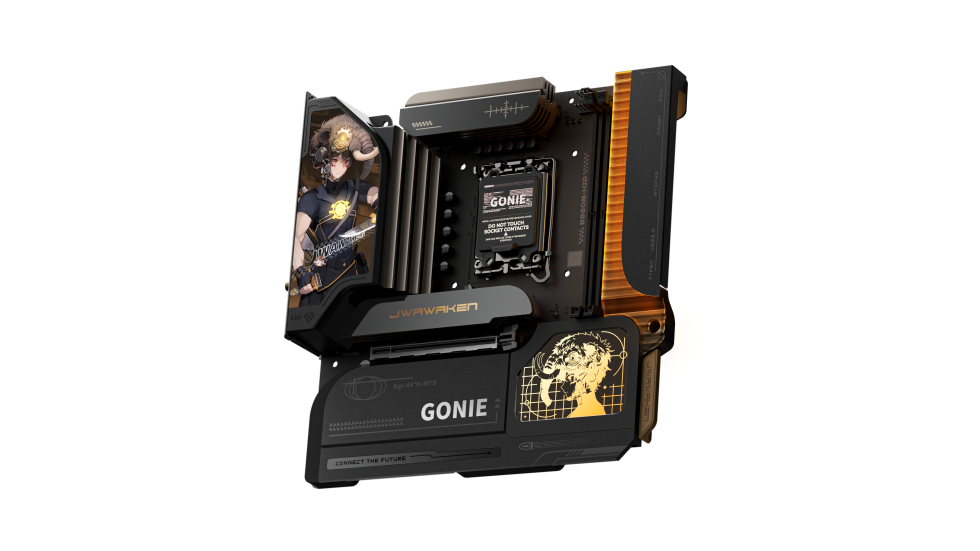
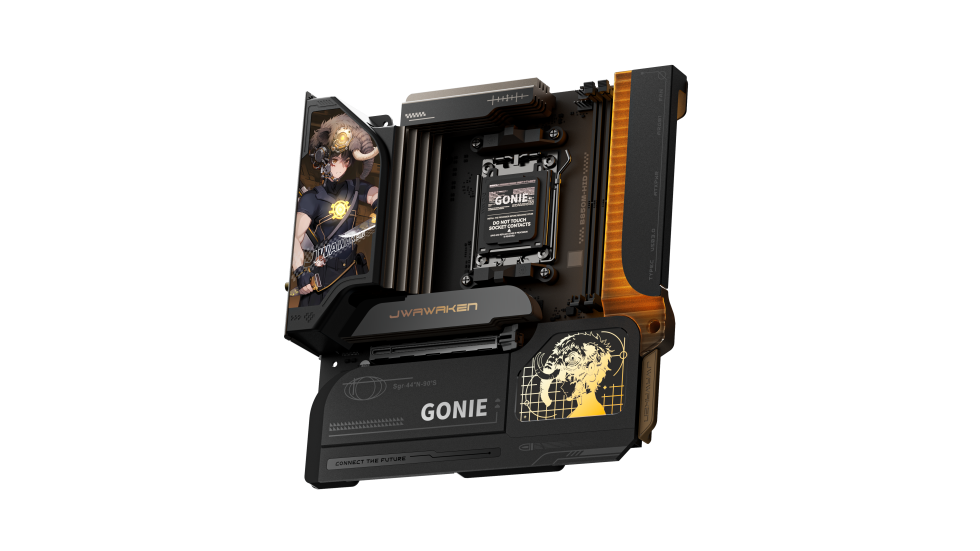
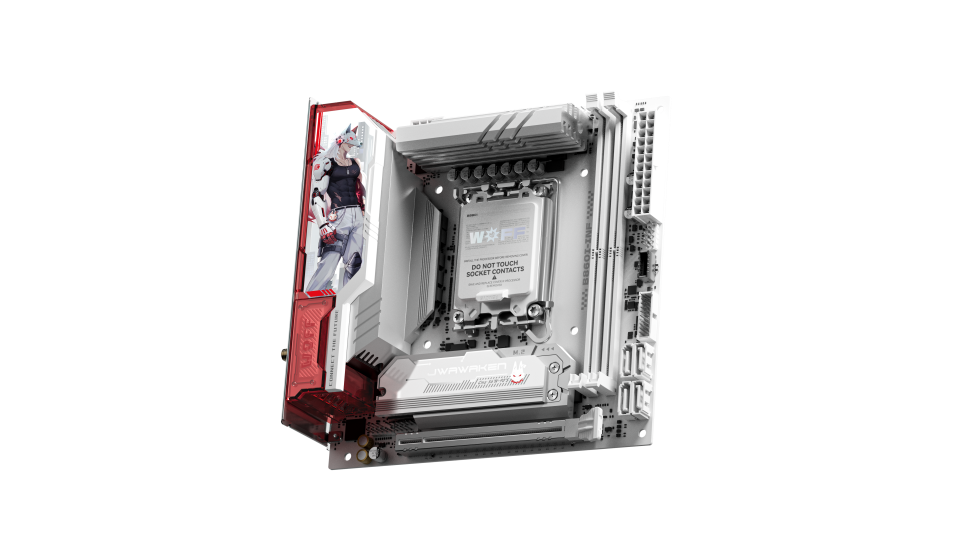
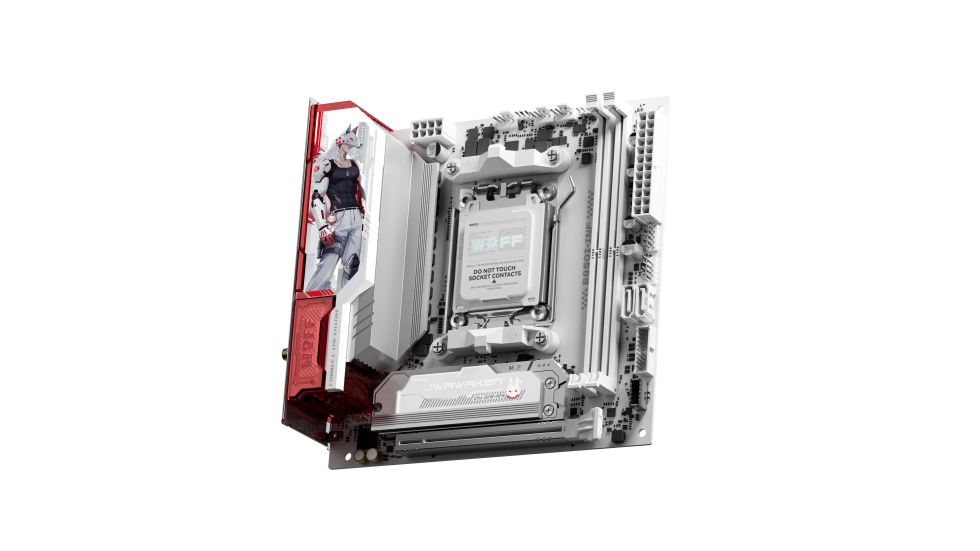
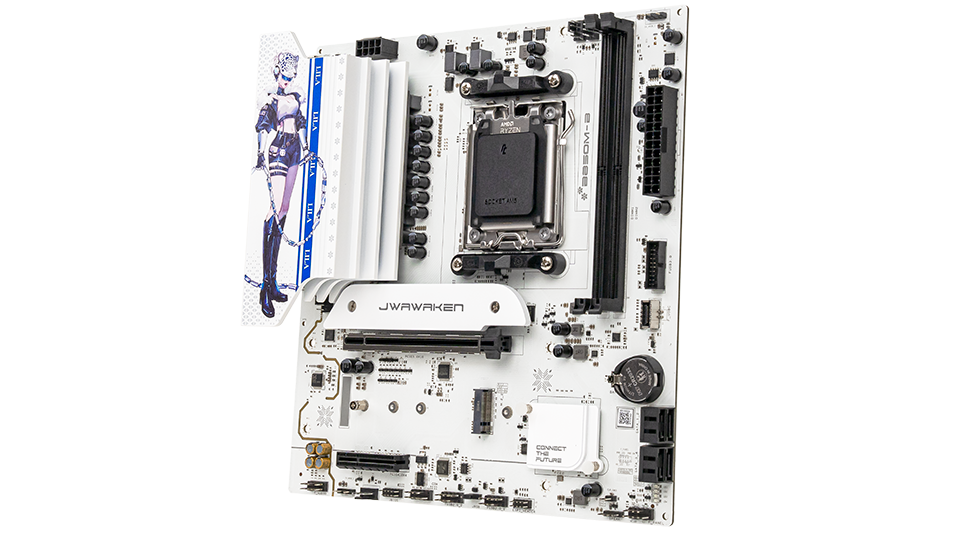
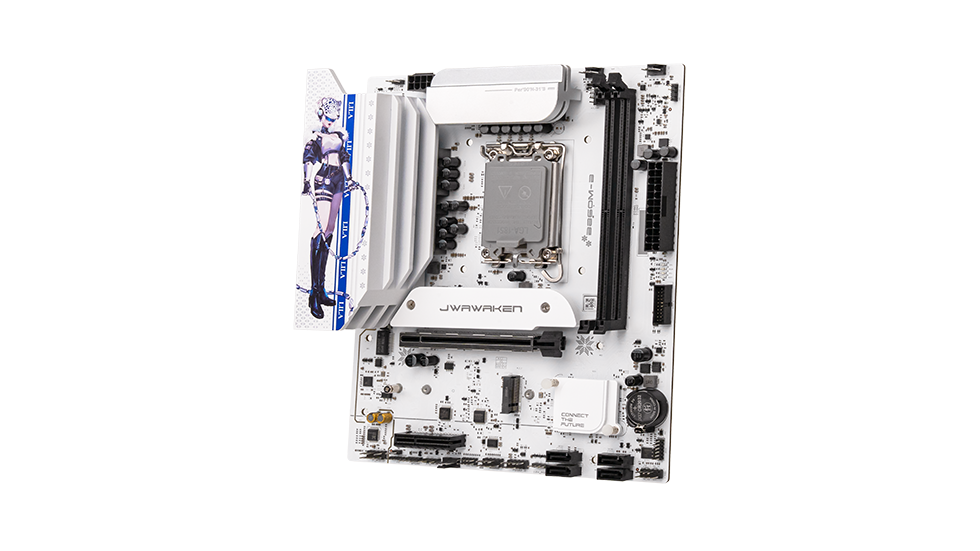
After installing the motherboard, the front panel power switch, reset button, and indicator lights are not working. How do I troubleshoot this?
This issue is almost always caused by incorrect front panel wiring. Simply following the standard connection guide will solve it:
1. Pinout Identification
Refer to your motherboard manual to locate the FPANEL (Front Panel) header area. Identify the pins for Power SW, Reset SW, Power LED, and HDD LED. Pay close attention to the polarity—generally, white or black wires indicate the negative (-) terminal, while colored wires indicate the positive (+) terminal.
2. Connection Details
Double-check the Power SW connection; this switch is not polarity-sensitive, so it will work even if reversed. However, indicator lights (LEDs) are polarity-sensitive and won't light up if reversed. Simply adjust the positive and negative connections to fix this.
3. Advanced Troubleshooting
If the wiring is correct but there is still no response, check the case cables for damage. Alternatively, try shorting the Power SW pins on the motherboard directly to test if the board powers on, which helps rule out a faulty case button.


.png?30152406)