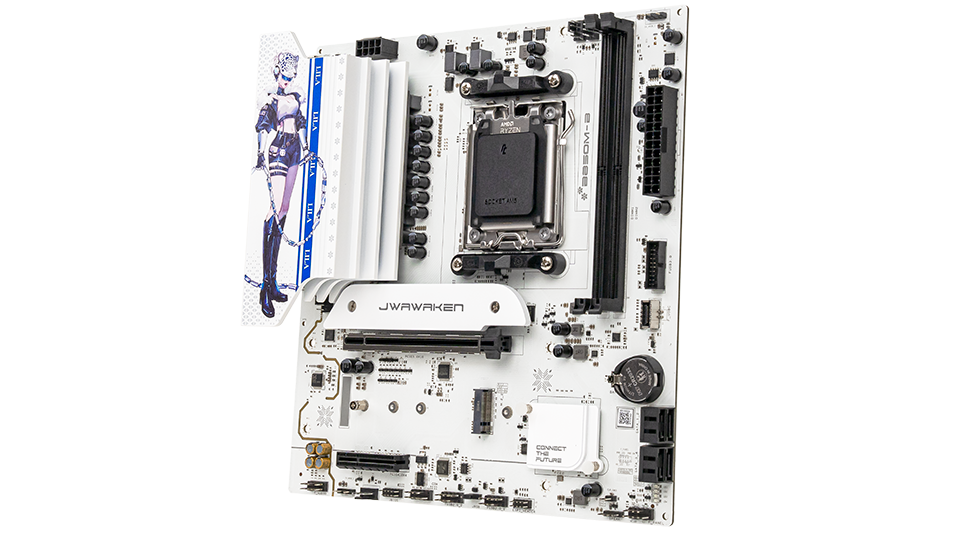
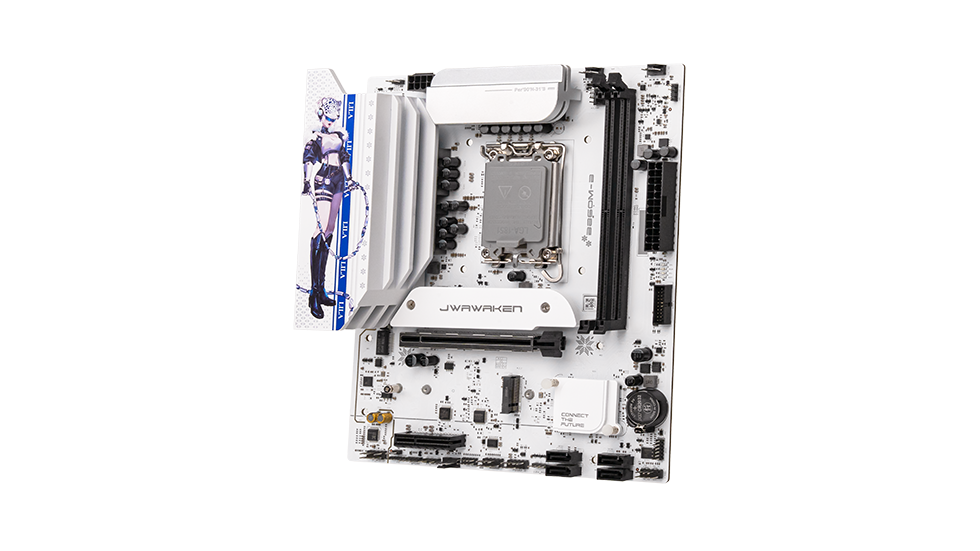
How do I troubleshoot static noise in the audio jack or a microphone that isn't picking up sound?
These audio issues are usually caused by configuration errors or signal interference. Troubleshooting step-by-step is the most efficient approach.
1. Static Noise Troubleshooting
Ensure your audio cables, headphones, or speakers are in good condition. Avoid bundling them with power or video cables to minimize electromagnetic interference (EMI). Ground your PC case or test with a dedicated external audio device. In the audio control panel, disable redundant features like Microphone Boost and Stereo Mix to reduce background noise.
2. Microphone Not Working
First, confirm the microphone is plugged into the correct port (usually pink). If the front audio panel isn't working, try the rear ports. Right-click the volume icon in the system tray to open Sound Settings, select your microphone, set it as the default device, enable microphone privacy permissions, and ensure it's not muted. Finally, update the motherboard audio drivers to rule out driver-related issues.


.png?30152406)