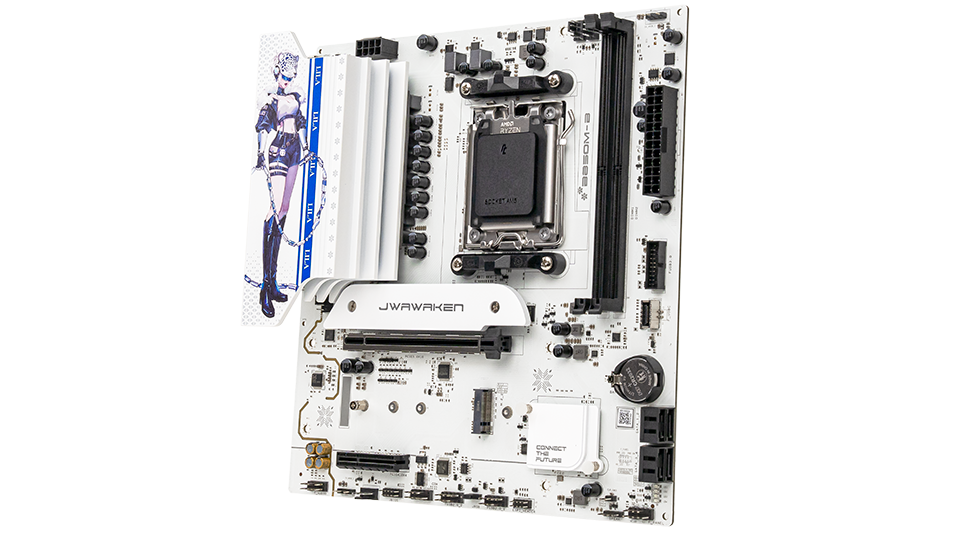
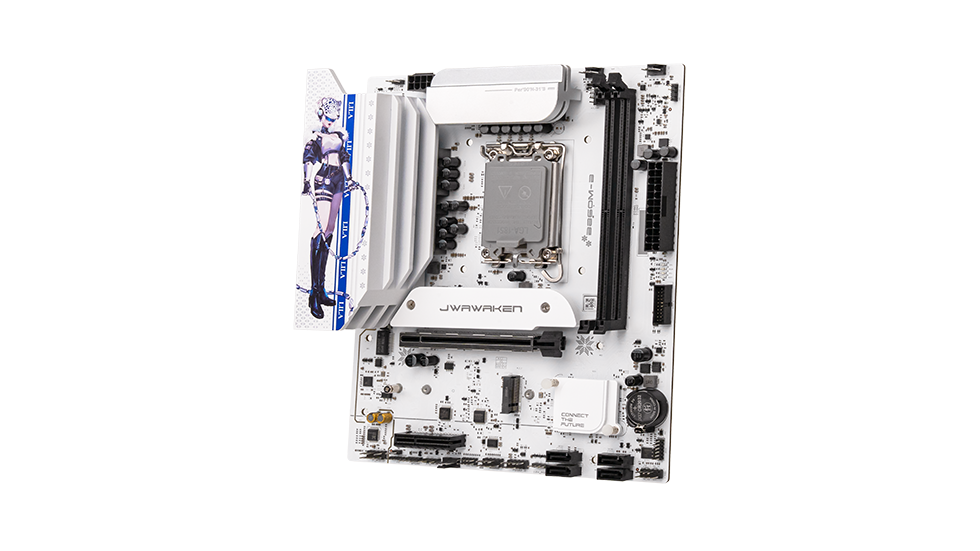
My SSD is not being detected in the BIOS or the operating system after installation. How do I fix this?
Let's troubleshoot M.2 and SATA SSDs separately:
1. M.2 SSD
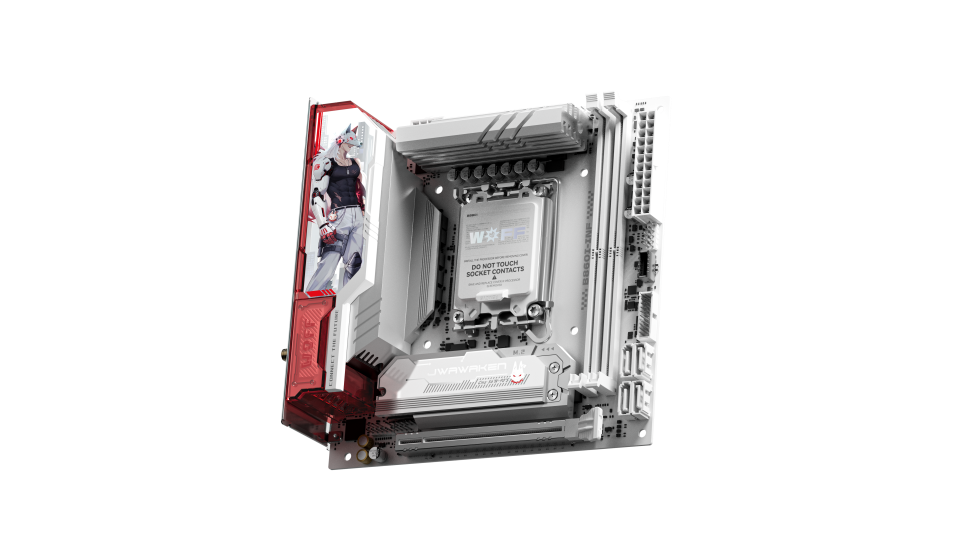
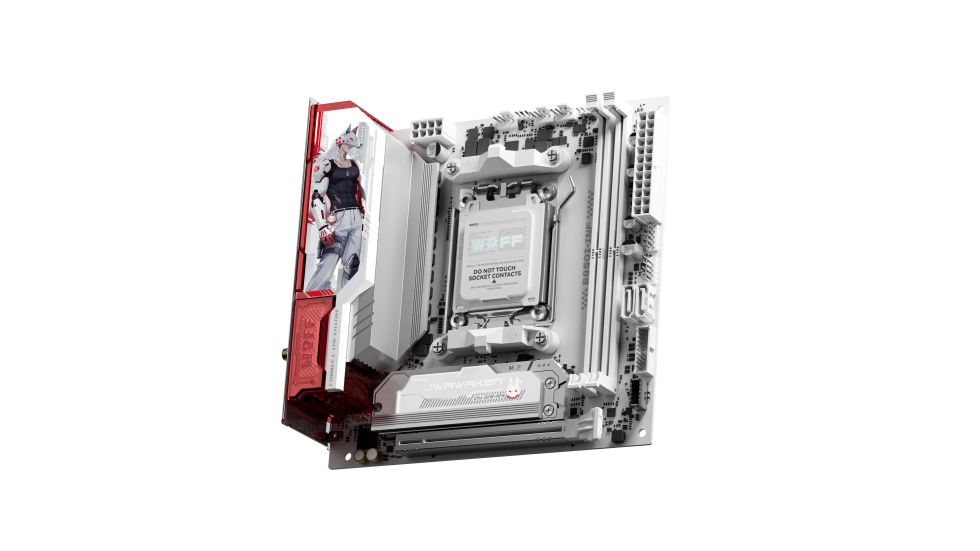
Verify that the SSD interface type (NVMe or SATA) is compatible with the motherboard's M.2 slot. Ensure the drive is fully inserted and secured with the mounting screw. Enter the BIOS to enable the M.2 slot options and disable CSM (Compatibility Support Module) (note: some older boards may require it to be enabled).
2. SATA SSD
Check that both ends of the SATA data and power cables are securely connected. Try swapping the SATA port and cable to test. Consult your motherboard manual, as enabling an M.2 slot on some boards may disable specific SATA ports; adjust your connections accordingly.
3. Advanced Troubleshooting
Check the drive identification list in the BIOS. If it's not detected, restart and reseat the drive. If it is detected in BIOS but not showing in the OS, go to Disk Management to initialize the disk.


.png?30152406)