
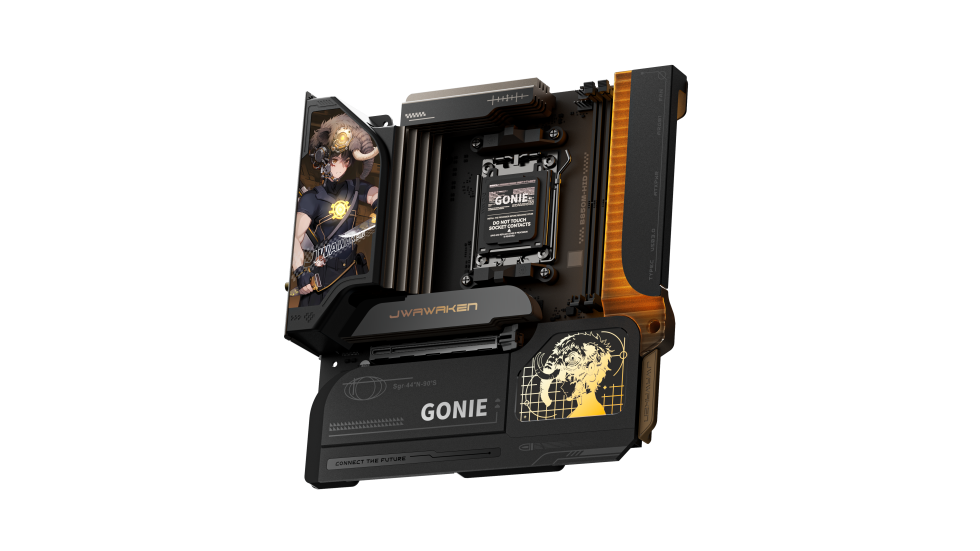
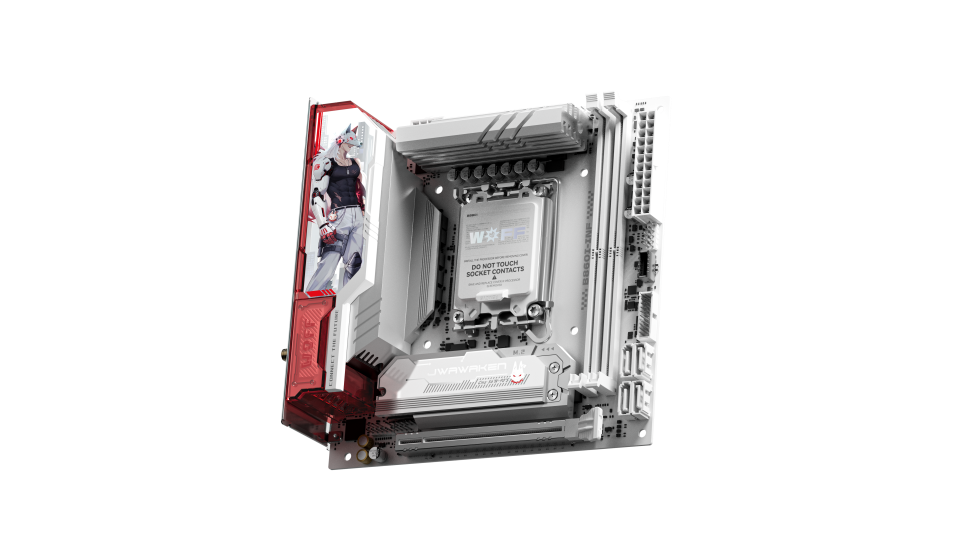
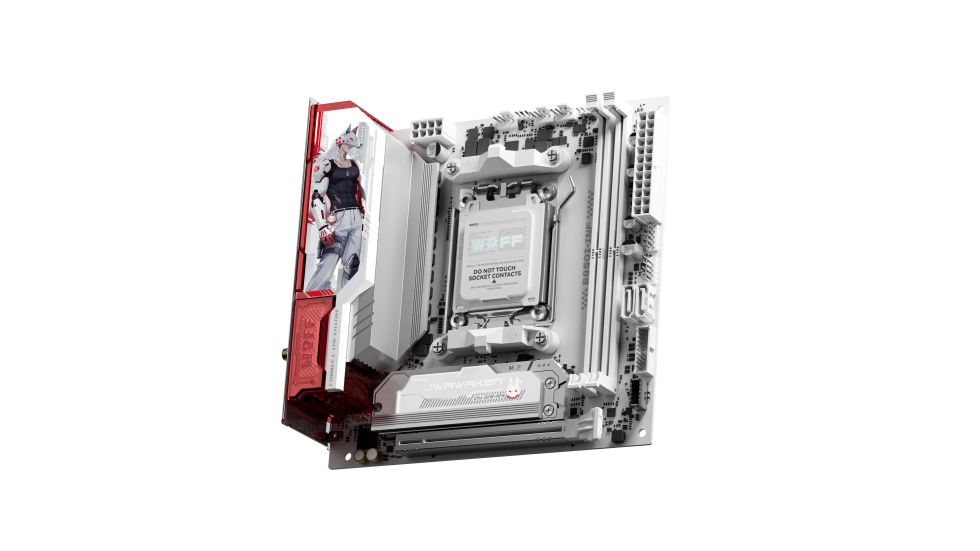
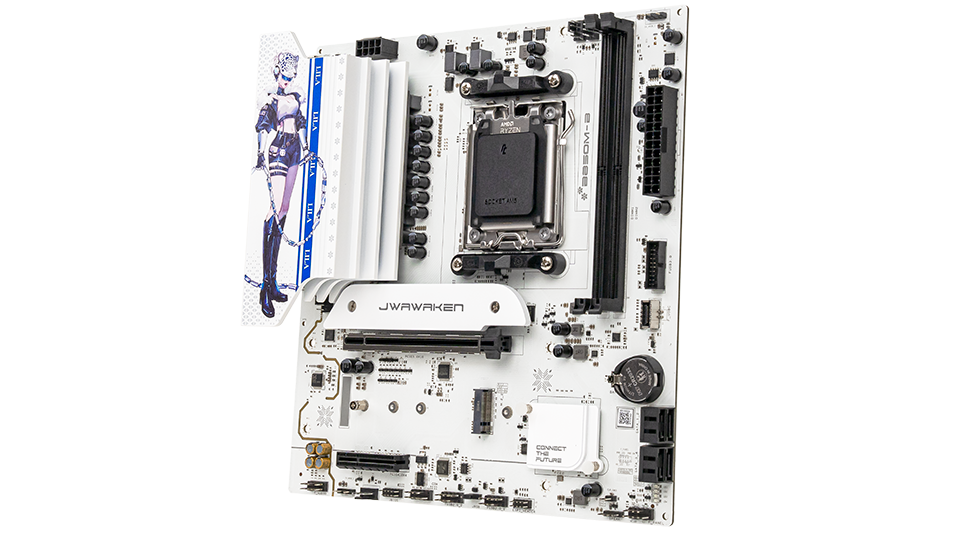
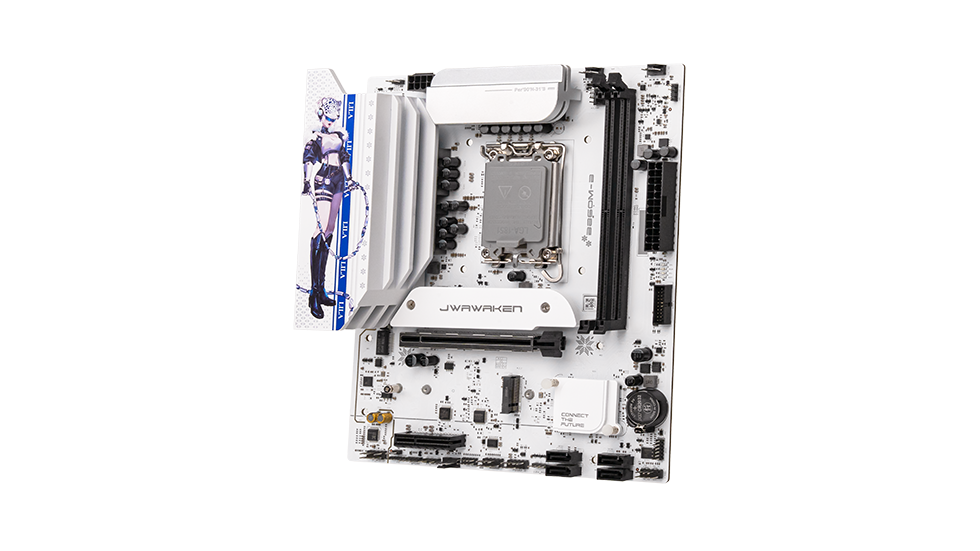
After installing a new CPU, the system fails to POST or the motherboard doesn't recognize the processor. What could be the cause?
Date:2026-04-03 Author:系统管理员
The core issue is usually BIOS incompatibility, though in rare cases, it could be a hardware installation error.
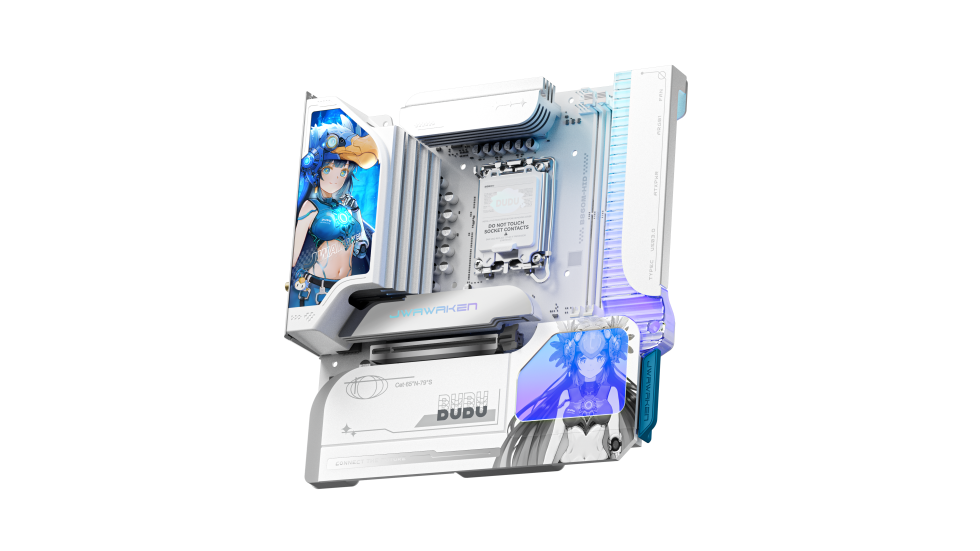
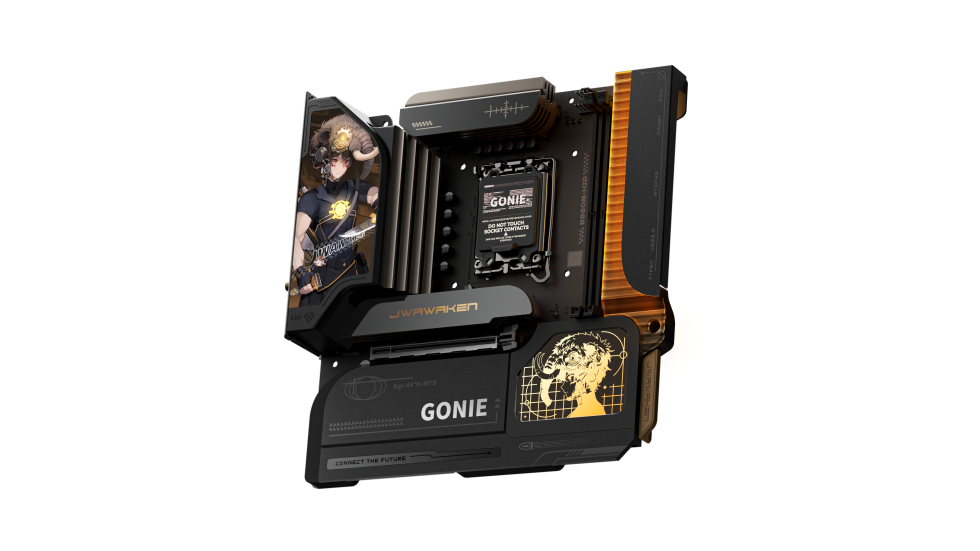
1.First, confirm that the CPU matches the motherboard socket. Check for any bent pins or damaged contacts on the CPU. Ensure the cooler is properly seated and the retention clips are tightly fastened to avoid poor contact.
2.Check the CPU support list on the manufacturer's website to verify the required BIOS version. If your motherboard supports USB BIOS Flashback, you can update the BIOS using a USB drive without needing a CPU or RAM installed.
3.If the board lacks Flashback capability, you'll need to temporarily install an older, compatible CPU to boot the system. Update the BIOS first, and then swap in your new CPU.